
Python Microservice: Logging with ELK
ELK (Elasticsearch, Logstash, Kibana) is a popular log management solution. We will use the ELK Stack to collect and analyze logs.
Here I need to extend the current configuration by adding services in the docker-compose file for Elasticsearch, Logstash, and Kibana, and configure the microservices to send logs to Logstash.
Also, I will need to configure the logging in both user and order Python application code to send logs to Logstash. By importing the built-in logging module and GelfUdpHandler from the pygelf module, to provide a flexible framework for emitting log messages from Python programs to send log messages in the GELF (Graylog Extended Log Format) to a remote Graylog server, which is typically part of the ELK stack.
By adding log messages using app.logger.info and app.logger.error, together with the defined logging level, I can set the logging level to INFO, which means all log messages at this level or higher will be emitted.
  # folder structure
  05-with-ELK/
  ├── api_gateway/
  │   └── Dockerfile
  ├── order_service/
  │   └── Dockerfile
  ├── user_service/
  │   └── Dockerfile
  ├── logstash.conf
  └── docker-compose.yml

  # create Logstash Configuration
  # vim logstash.conf
  input {
    gelf {
      port => 12201
    }
  }
  output {
    elasticsearch {
      hosts => ["elasticsearch:9200"]
      index => "%{[@metadata][beat]}-%{+YYYY.MM.dd}"
    }
  }
  # vim user_service.py

  import logging
  import requests
  from flask import Flask, jsonify
  from pygelf import GelfUdpHandler

  app = Flask(__name__)

  @app.route('/users')
  def get_users():
    users = [
      {'id': 1, 'name': 'Alice'},
      {'id': 2, 'name': 'Bob'}
    ]
    app.logger.info("Fetched user data")
    return jsonify(users)

  def register_service():
    payload = {
      "ID": "user-service",
      "Name": "user-service",
      "Address": "user-service",
      "Port": 5001
    }
    response = requests.put('http://consul:8500/v1/agent/service/register', json=payload)
    if response.status_code == 200:
      app.logger.info("User service registered successfully")
    else:
      app.logger.error("Failed to register user service")

  if __name__ == '__main__':
    # Configure logging
    handler = GelfUdpHandler(host='logstash', port=12201)
    app.logger.addHandler(handler)
    app.logger.setLevel(logging.INFO)

    register_service()
    app.run(host='0.0.0.0', port=5001)

  # vim order_service.py

  import logging
  import requests
  from flask import Flask, jsonify
  from pygelf import GelfUdpHandler

  app = Flask(__name__)

  @app.route('/orders')
  def get_orders():
    orders = [
      {'id': 1, 'item': 'Laptop', 'price': 1200},
      {'id': 2, 'item': 'Phone', 'price': 800}
    ]
    app.logger.info("Fetched order data")
    return jsonify(orders)

  def register_service():
    payload = {
      "ID": "order-service",
      "Name": "order-service",
      "Address": "order-service",
      "Port": 5002
    }
    response = requests.put('http://consul:8500/v1/agent/service/register', json=payload)
    if response.status_code == 200:
      app.logger.info("Order service registered successfully")
    else:
      app.logger.error("Failed to register order service")

  if __name__ == '__main__':
    # Configure logging
    handler = GelfUdpHandler(host='logstash', port=12201)
    app.logger.addHandler(handler)
    app.logger.setLevel(logging.INFO)

    register_service()
    app.run(host='0.0.0.0', port=5002)


  # create user_service/requirements.txt for each service (user, order)
  flask
  requests
  pygelf

  # modify each Dockerfile: Dockerfile-user

  # Use an official Python runtime as a parent image
  FROM python:3.9-slim

  # Set the working directory in the container
  WORKDIR /app

  # Copy the current directory contents into the container at /app
  COPY . /app

  # Install any needed packages specified in requirements.txt
  RUN pip install --no-cache-dir -r requirements.txt

  # Make port 5001 available to the world outside this container
  EXPOSE 5001

  # Define environment variable
  ENV FLASK_APP=user_service.py

  # Run user_service.py when the container launches
  CMD ["flask", "run", "--host=0.0.0.0", "--port=5001"]


  # vim Dockerfile-order

  # Use an official Python runtime as a parent image
  FROM python:3.9-slim

  # Set the working directory in the container
  WORKDIR /app

  # Copy the current directory contents into the container at /app
  COPY . /app

  # Install any needed packages specified in requirements.txt
  RUN pip install --no-cache-dir -r requirements.txt

  # Make port 5002 available to the world outside this container
  EXPOSE 5002

  # Define environment variable
  ENV FLASK_APP=order_service.py

  # Run order_service.py when the container launches
  CMD ["flask", "run", "--host=0.0.0.0", "--port=5002"]

  # modify docker-compose.yaml

  version: '3'
  services:
    consul:
      image: consul:1.15.4
      ports:
        - "8500:8500"

    elasticsearch:
      image: docker.elastic.co/elasticsearch/elasticsearch:7.13.2
      environment:
        - discovery.type=single-node
      ports:
        - "9200:9200"
        - "9300:9300"
      volumes:
        - esdata:/usr/share/elasticsearch/data

    logstash:
      image: docker.elastic.co/logstash/logstash:7.13.2
      volumes:
        - ./logstash.conf:/usr/share/logstash/pipeline/logstash.conf
      ports:
        - "12201:12201/udp"
        - "5044:5044"

    kibana:
      image: docker.elastic.co/kibana/kibana:7.13.2
      ports:
        - "5601:5601"
      depends_on:
        - elasticsearch

    user-service:
      build:
        context: ./user_service
      depends_on:
        - consul
        - logstash
      environment:
        - CONSUL_HTTP_ADDR=consul:8500
      ports:
        - "5001:5001"
      logging:
        driver: gelf
        options:
          gelf-address: udp://logstash:12201

    order-service:
      build:
        context: ./order_service
      depends_on:
        - consul
        - logstash
      environment:
        - CONSUL_HTTP_ADDR=consul:8500
      ports:
        - "5002:5002"
      logging:
        driver: gelf
        options:
          gelf-address: udp://logstash:12201

    api-gateway:
      build:
        context: ./api_gateway
      depends_on:
        - consul
        - user-service
        - order-service
        - logstash
      environment:
        - CONSUL_HTTP_ADDR=consul:8500
      ports:
        - "5000:5000"
      logging:
        driver: gelf
        options:
          gelf-address: udp://logstash:12201

  volumes:
    esdata:
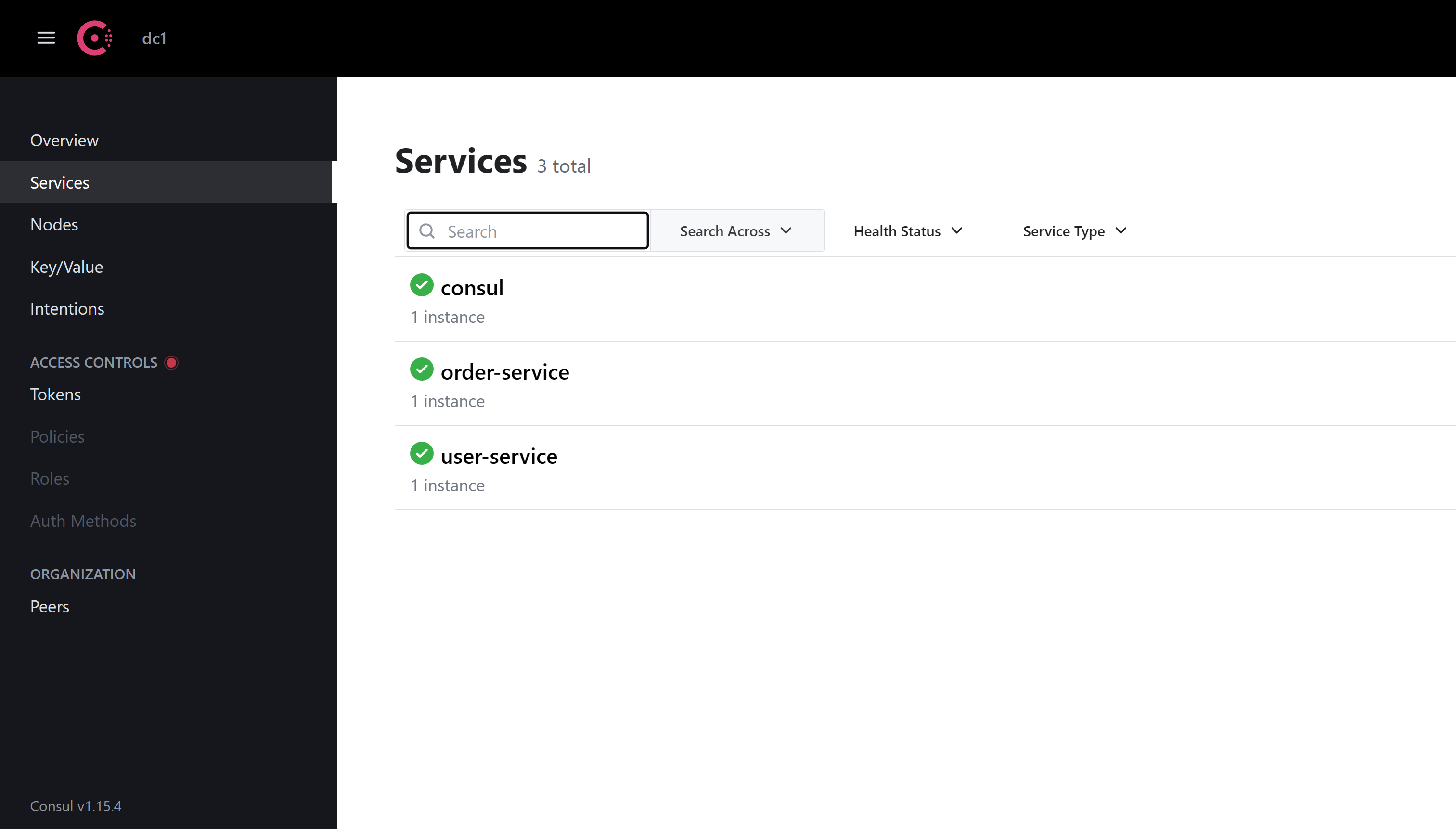
Now Run docker-compose to bring all containers up and running. Should see all services with ES, Logstash and Kibana populating logs on the screen.
  docker-compose up --build

  Creating 05-with-elk_logstash_1      ... done
  Creating 05-with-elk_consul_1       ... done
  Creating 05-with-elk_elasticsearch_1 ... done
  Creating 05-with-elk_kibana_1       ... done
  Creating 05-with-elk_user-service_1  ... done
  Creating 05-with-elk_order-service_1 ... done
  Creating 05-with-elk_api-gateway_1   ... done


  logstash_1       | [2024-05-18T14:55:13,140][INFO ][logstash.inputs.udp      ][main][a30d8db137f99f1de18acbd53c081374cd720430a4dd0e752ff4a99c3005f9d0] Starting UDP listener {:address=>"0.0.0.0:12201"}
  logstash_1       | [2024-05-18T14:55:13,187][INFO ][logstash.inputs.udp      ][main][a30d8db137f99f1de18acbd53c081374cd720430a4dd0e752ff4a99c3005f9d0] UDP listener started {:address=>"0.0.0.0:12201", :receive_buffer_bytes=>"106496", :queue_size=>"2000"}
  consul_1         | 2024-05-18T14:55:46.686Z [DEBUG] agent: Skipping remote check since it is managed automatically: check=serfHealth
  consul_1         | 2024-05-18T14:55:46.688Z [DEBUG] agent: Node info in sync
  logstash_1       | https://www.elastic.co/guide/en/logstash/current/monitoring-with-metricbeat.html
  elasticsearch_1  | {"type": "deprecation.elasticsearch", "timestamp": "2024-05-18T14:55:09,016Z", "level": "DEPRECATION", "component": "o.e.d.r.RestController", "cluster.name": "docker-cluster", "node.name": "430bff78a529", "message": "Legacy index templates are deprecated in favor of composable templates.", "cluster.uuid": "B9QKhgEGTA6Ot5auY9skQQ", "node.id": "QzKPL7DYSB2_CeWJpUaxXg"  }
  kibana_1         | {"type":"log","@timestamp":"2024-05-18T14:55:09+00:00","tags":["info","plugins","monitoring","monitoring","kibana-monitoring"],"pid":952,"message":"Starting monitoring stats collection"}
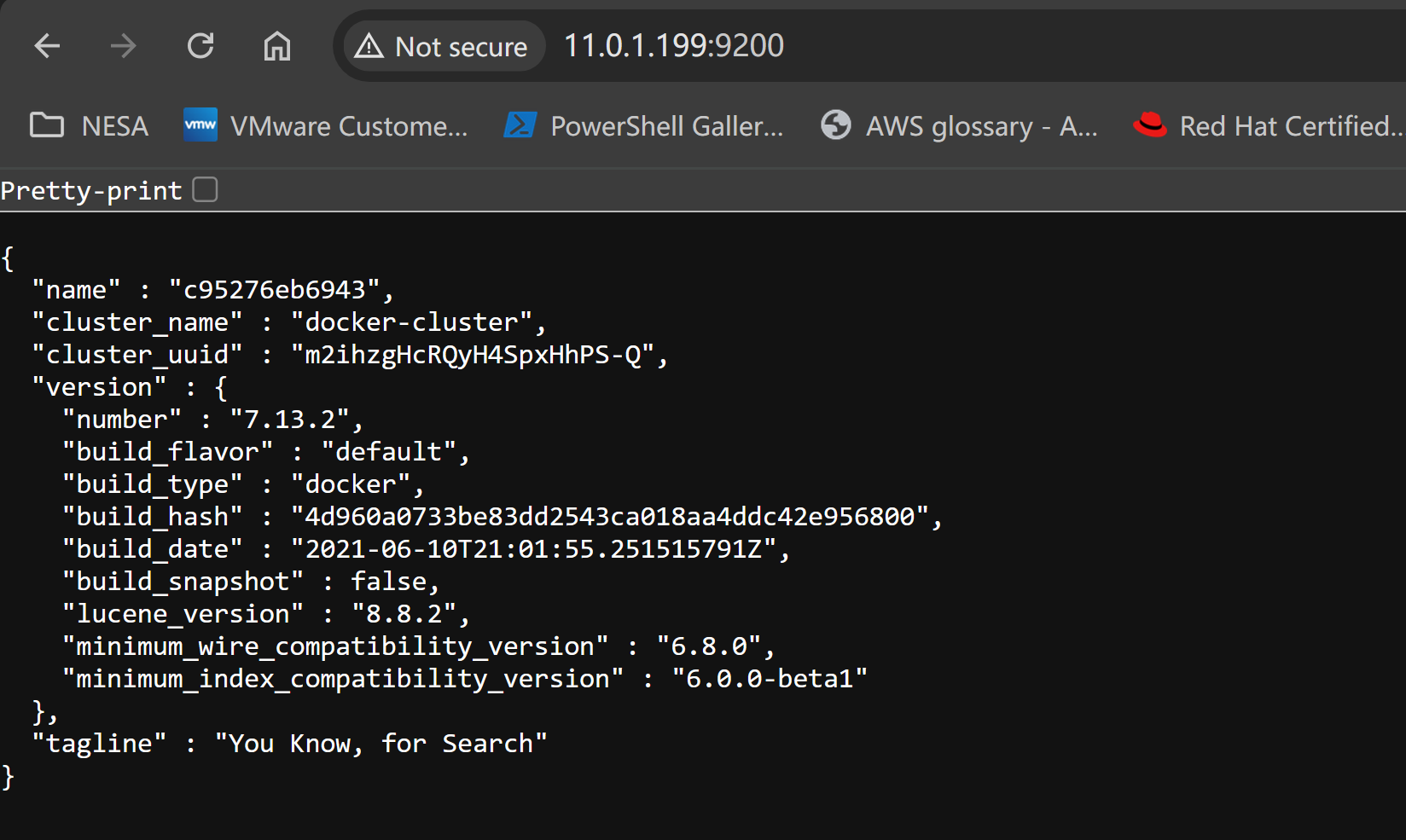
Verify ElasticSearch and Kibana
Validate ElasticSearch status via localhost:9200
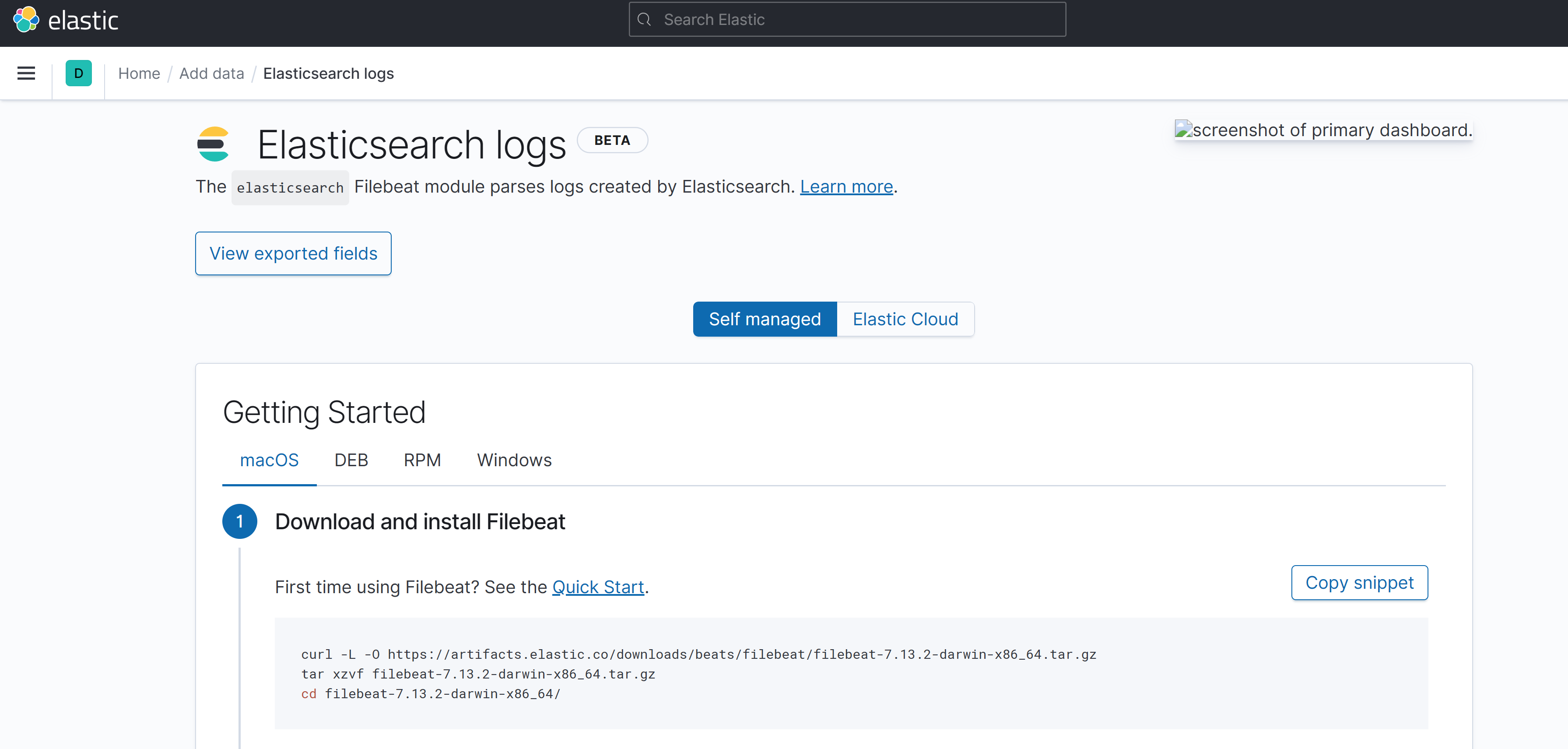
Visit localhost:5601 to access the Kibana dashboard, add Index Pattern "logs-*" to see data populated in the Discover tab
Conclusion
Now we can enable logging with the ELK stack, and use Logstash, ElasticSearch, and Kibana.
In the next post, I will see how to enable monitoring with Prometheus and Grafana stack.